Backups and Data Storage on Linux
Mar 9, 2026
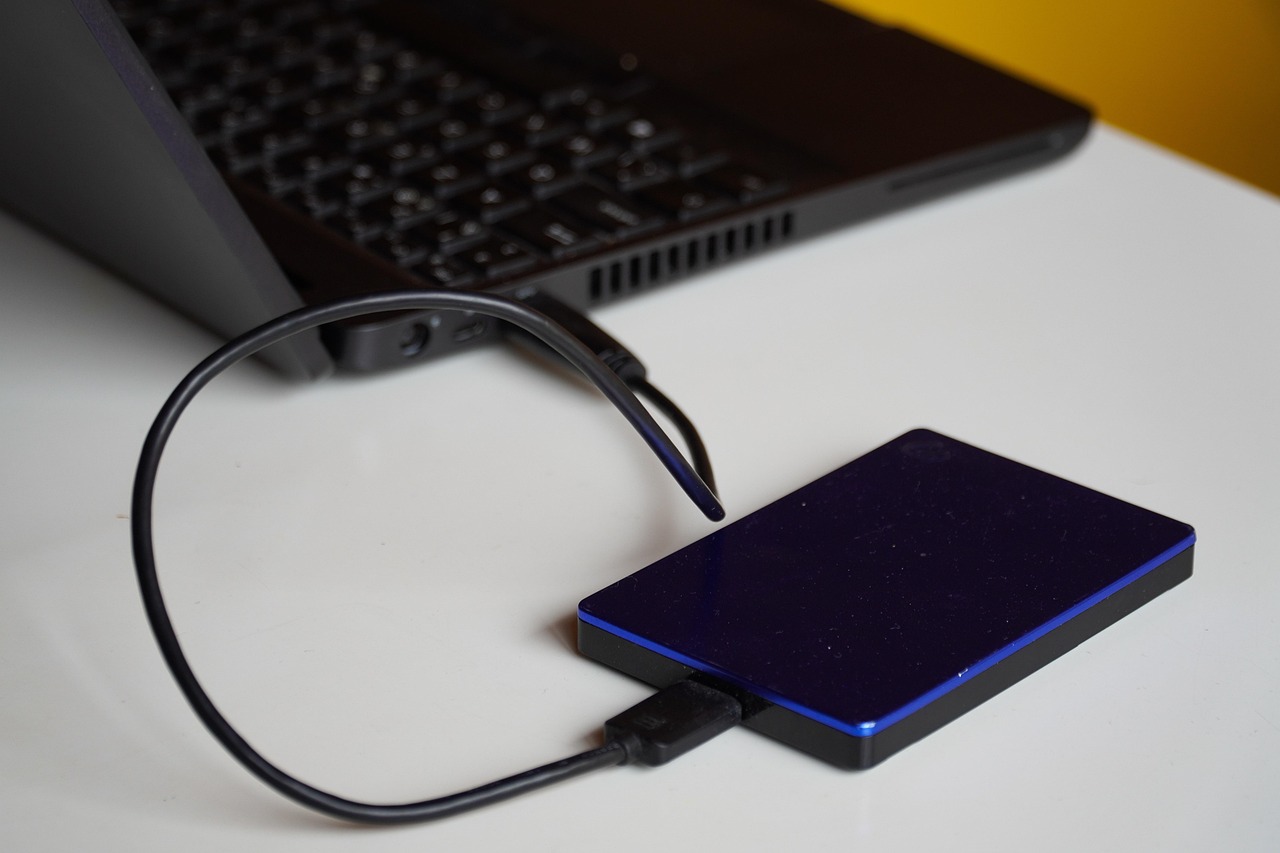
Several backup utilities exist for Linux distributions. I'm sure there's similar software for Windows, but I don't use Windows enough to care. I don't use automated backup applications that run on a schedule.
I don't use "Timeshift" even though it's recommended. I keep everything important stored on portable drives and cloud services. If I screw up my system, I can reinstall from an image backup.
Image Backups
The only time I'll create full-system image backups is when I'm getting ready to upgrade my system or do something stupid. I learned this lesson years ago, so I leave nothing to chance. I always keep Rescuezilla on a Ventoy USB stick, along with operating system images.
I have several portable drives, with the largest being a four-terabyte hard drive. I usually keep two or three image backups for every computer I own on it, with a great deal of room to spare.
File Backups
I use two utilities to create file backups, Rsync and Rclone. Linux distributions typically come with Rsync, but Rclone must be installed separately. The repository version is a few versions behind the website version. To easily install Rclone in the terminal:
curl https://rclone.org/install.sh | sudo bash
Rsync is for synchronizing files from location to location, whether those locations are on separate drives or not. Rclone is for synchronizing files on a local drive with a cloud drive.
Use "rclone config" in the terminal to add remotes. Remotes are simply cloud drive services. I use the crontab to backup my document directories, including the files for this website:
@hourly rclone sync --delete-excluded /home/username/Blog/ remotename:/Blog
@hourly rclone sync --delete-excluded /home/username/Documents/ remotename:/Documents
Use a real username, of course, and always end the remote name with a full colon. The only drawback is the cloud space available. You may not get enough for your needs on a free tier.
There are some things, like videos, that I always keep on a portable drive. When my phone gets low on space, or when I get a new phone, I dump all the photos on a portable drive.
I used to synchronize my music and picture directories, but now I just keep them on portable drives (I tend to listen to music on my phone these days). The only thing I maintain on my system drive are documents.
If I need something to be permanent, I'll just drop it in my document directory. I'm using less than 2.5 gigabytes out of 15 on Google Drive, which includes Gmail and Google Photos.
If I want to synchronize a system directory to a portable drive directory, I'll do it manually, like this:
rsync -avzh /home/username/Music/ /media/username/5a659a1f-1b7a-4402-bffe-2c74af75ebc7/Music --delete
Again, use a real username.
The Importance of Backups and Data Storage
I store most of my data on portable drives, so I worry about their reliability. I can't afford to lose some of that data, so I usually clone one drive to another as yet another backup.
It doesn't matter to me if I have multiple copies on multiple drives. Those drives cost me a mere $25 USD each when I bought them. If I need to reinstall my system, I can simply copy back what I need from Google Drive or from one of the portable drives.
Image by Jan Van Bizar from Pixabay
Updated on June 13, 2026.