Computer Shopping
May 30, 2026
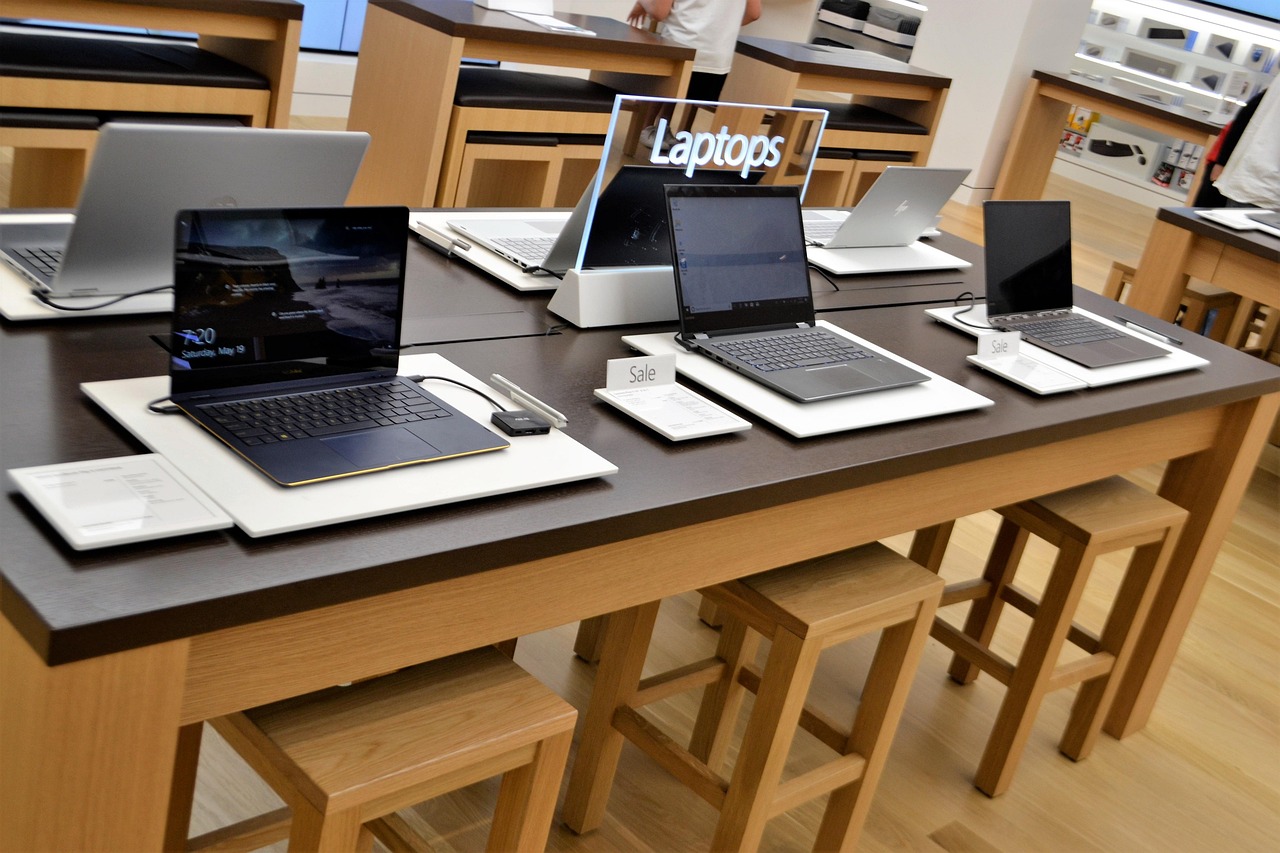
Even experienced computer users like me tend to dread computer shopping. There are choices, and then there are choices within choices. I especially dislike buying computers for other people, which is something I've had to do.
Shopping for Desktop and Laptop Computers
Modern computers are awesome and more expensive than I need them to be. I prefer desktop computers over laptops, but I have to be practical. I can't travel with a desktop computer. I own a mini PC, which has a small form factor, but I can't travel with my large computer monitor.
Mini PCs and single board computers (SBCs) are becoming favorites among hobbyists. Regardless of what I choose to use, most of them are powerful enough to do what I need them to do, which really isn't that much.
Computers aren't limited to desktop computers and laptops. Mobile phones (smartphones) and tablets are computers as well. There are ways to use them like desktop computers, but most people won't use them that way.
Operating Systems
There are multiple operating systems to choose from. Some are based on Unix, and some are Unix-like. Linux is a Unix-like operating system, as are the BSD descendants. The only Unix operating system I'm aware of is macOS. Windows is the only truly independent operating system.
Depending on what's available, mobile phones and tablets can run on Android (a Linux derivative), iOS (Unix-like), Linux, and even Windows. I doubt I'll ever own anything that has an operating system controlled by Apple.
Computer Shopping in Person
If you don't know what you're looking for, shopping in person is the best route to take. Even if you know, you may still want to visit a store that sells them. It's best to shop at large computer stores that aren't limited to a small selection of Windows computers, Chromebooks, or Apple Computers.
A Chromebook is a good choice if you don't need a computer that does more. They tend to be a lot less expensive than full-fledged laptop computers. The hardest computers to find are computers that come preinstalled with Linux. Even if you find them, your choices are minimal.
What I like to do is buy an inexpensive laptop and replace Windows with Linux on it. I've done that on six different models so far, only three of which were my own. I used to dual-boot Windows and Linux, but I haven't used Windows for anything in more years than I can remember.
If you want Linux preinstalled anyway, a guy named Olivier Cleynen maintains a website called Linux Preloaded. Computers with Linux preinstalled tend to be more expensive than you may expect.
Removing Limitations
You can run Linux with almost any computer, even if that computer is already running something else. You can probably do it with Windows and BSD as well, but I don't know how to do it with anything other than Linux. I'm sure if I search long enough, I'll find the exact instructions somewhere.
VirtualBox is the ticket. You can install a Linux distribution within VirtualBox and then use it to install Linux on an external drive. You don't need to install from a USB stick. The speed of the external drive depends on the hardware.
Regular solid-state drives are inexpensive and don't require separate power supplies. Thin hard disk drives don't require separate power supplies either, but are a bit slower. You don't need a lot of space to run any modern operating system. 120 gigabytes of space is more than sufficient.
You don't need portable applications when the complete operating system is portable. Even Windows can be made to boot from an external drive using a software package called "WinToUSB".
Image by F. Muhammad from Pixabay