The Linux and Windows Operating Systems
Mar 2, 2026
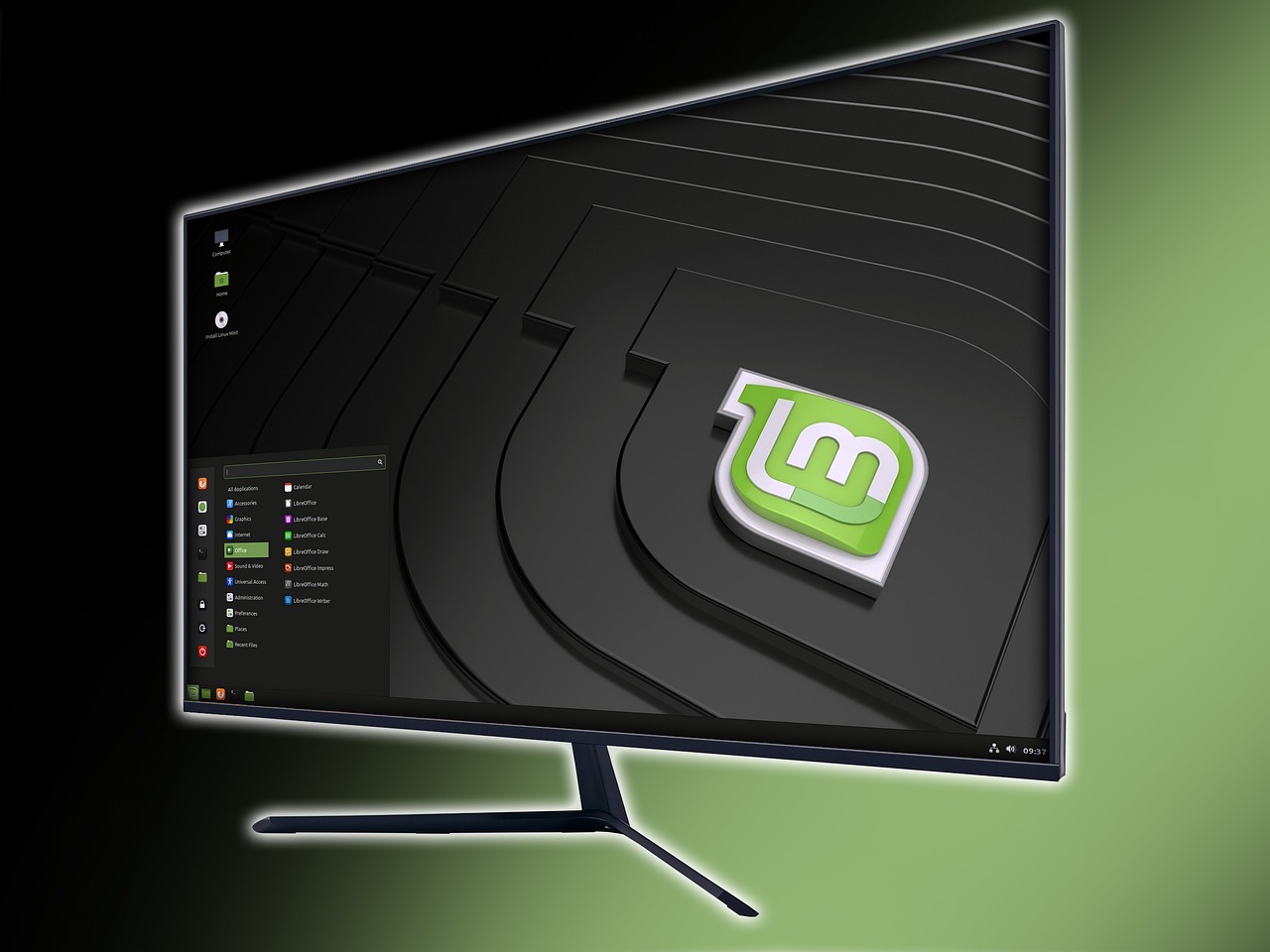
Every laptop I've ever owned came preinstalled with one version of Windows or another. Only three of my many desktop computers came with Windows preinstalled.
I've gone through many Windows versions, skipping "Vista" and "7". Every version I used for any lengthy period of time eventually crashed, displaying the "blue screen of death". The version I used for the longest was "XP", but I can't really tell you how long that was.
After 2006, when Windows would eventually crash, I would replace it with one Linux distribution or another, allowing me to use that computer until it stopped working or I gave it away to one of my many young relatives.
I don't remember which Linux distribution I used first, but I remember using Ubuntu at one time. For the last several years, it's been the Cinnamon edition of Linux Mint. That's what I'm using today on my mini PC, which came with Windows 11 Professional.
The Mini PC
I bought my mini PC in May of 2024. After about a week of trying to get used to Windows, I replaced it with Linux Mint and relegated Windows to a virtual machine.
I didn't check the virtual machine for over six months and then I deleted it. That version of Windows 11 didn't include Copilot, Recall, or any other AI nonsense.
Anticipating my trip to Arizona later this month, I downloaded and installed Windows 11 in a virtual machine. It was way more bloated than I remember, and it had all kinds of AI nonsense on it. I searched for ways to clean it up, and I found a few.
The one I already knew about was "Winutil" because I had already watched videos on the Chris Titus Tech YouTube channel. I found more, including AtlasOS, Win11Debloat, and Winhance. I chose to use Winhance.
It worked as advertised. It took about an hour to install Windows and about another hour to let Winhance do its thing. When Winhance completed its tasks, only 10 applications remained on that system. I removed the virtual machine when I was satisfied.
The New Laptop
The new laptop comes with Windows 11 Home preinstalled. Before I even boot up the operating system, I'm going to boot up Rescuezilla from a USB stick and save an image of the system to a portable solid-state drive. I'm going to be replacing Windows 11 with Linux Mint, but I need a backup plan if I have hardware issues.
If I have to restore the Windows 11 backup image, I'm going to try to set things up the right way. The first thing I'll have to do is use a workaround to create a local account. Windows 11 Home doesn't support local accounts anymore. When given the choice to log in to a Microsoft account or create one, I'll open the terminal (PowerShell) using Shift-Fn-F10 and run:
start ms-cxh:localonly(this no longer works)
When I press enter, I'll create a local account by following the prompts. I tested this on the virtual machine before I removed it. The next step is to allow Windows to update. I'll finish that first, then run Winhance to eliminate all the unnecessary stuff (including Microsoft Edge) and install only what I want on the system.
I hope it won't come to that. There aren't any Windows specific applications I need to use, and I dislike babysitting an operating system that breaks with random Microsoft updates.
Image by ADMC from Pixabay
Updated on June 6, 2026.