Improving Performance on Linux Mint
Mar 4, 2026
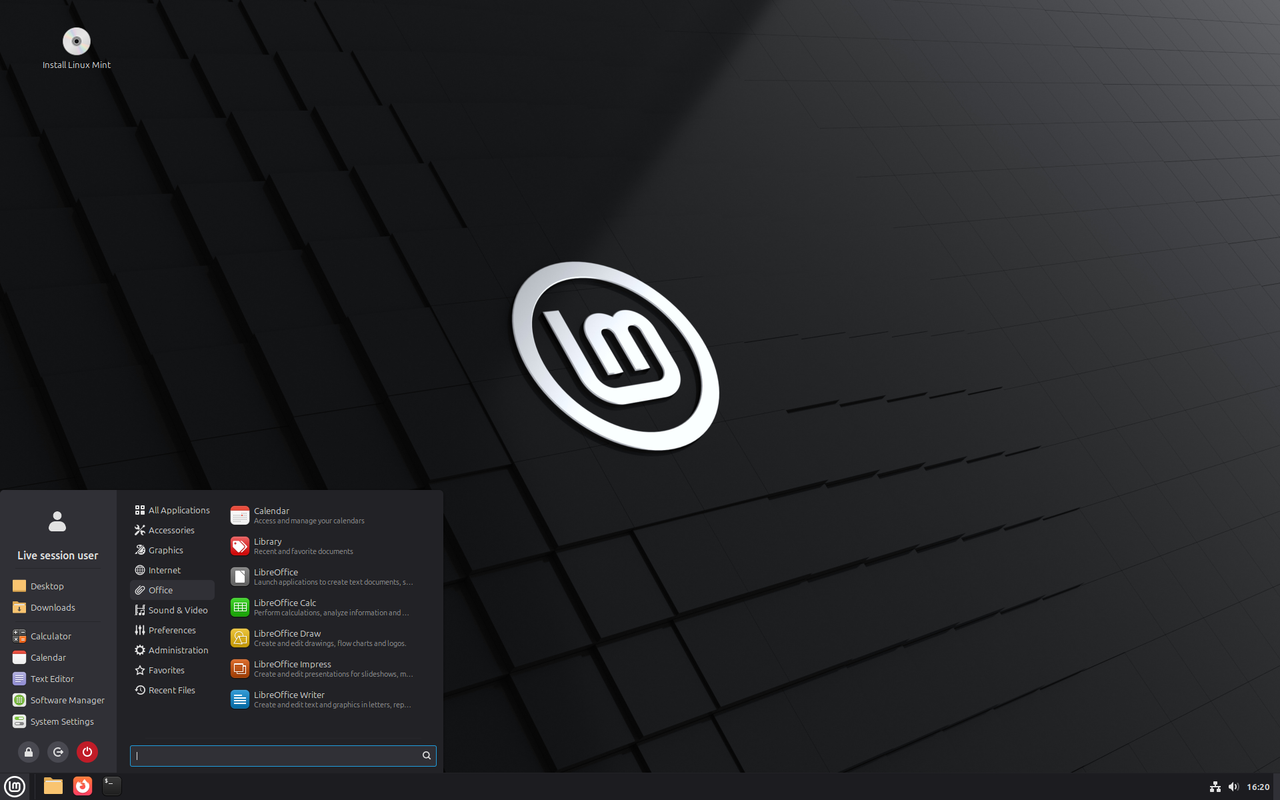
Linux Mint, regardless of the edition, performs well right out of the box when used with a solid-state drive. Most new computers come with one type of solid-state drive or another inside of them.
As efficient as a solid-state drive may be, nothing beats memory for temporary storage. I have 16 gigabytes of memory in my mini PC. The laptop I'll be using later this month also has 16 gigabytes of memory in it.
When I was tracking memory usage, I never saw Linux Mint use more than six gigabytes even when I was browsing multiple websites. I never saw more than two gigabytes of swap file usage.I'll never use even half of the memory available to me. It makes sense, at least to me, to use some of it for temporary storage and swap space. The Cinnamon edition of Linux Mint flies when not writing to the file system.
Moving Directories to Memory
The system can allocate up to fifty percent of memory to tmpfs (temporary file system), and it expands or contracts depending on the files stored in it. Two directories that are frequently written to aren't stored in memory.
They are "/tmp" and "/home/username/.cache", with "username" being your actual user name. We can directly move the first one to tmpfs (source), and link the second one to tmpfs (source).
Move the "/tmp" Directory
Clear the "/tmp" directory before moving it to tmpfs. At the terminal:
sudo cp -v /usr/share/systemd/tmp.mount /etc/systemd/system/
sudo systemctl enable tmp.mount
Link the "/home/username/.cache" Directory
Clear the "/home/username/.cache" directory before linking it to tmpfs. At the terminal:
mkdir -p ~/.local/share/user-tmpfiles.d
Enter these two lines at once, exactly as written (replacing "username"):
echo "D /run/user/1000/cache 0700 username username 1w
L+ /home/username/.cache - - - - /run/user/1000/cache" > ~/.local/share/user-tmpfiles.d/cachetmp.conf
These two lines will enable the clearing of that directory once a week if you leave your PC on for a week (using suspend to memory, of course):
systemctl --user enable systemd-tmpfiles-setup.service systemd-tmpfiles-clean.timer
systemctl --user start  systemd-tmpfiles-setup.service systemd-tmpfiles-clean.timer
Use Memory for Swapping
By default, Linux Mint creates a two-gigabyte swap file. Things can write to this quite a lot. You can replace it with "zram", which creates a swap partition in memory. At the terminal, in the user home directory:
sudo apt install git
git clone https://github.com/foundObjects/zram-swap.git
cd zram-swap && sudo ./install.sh
The system will use up to half the memory automatically, but only deducts from the total memory once it's actually used. You can reduce it in the "/etc/default/zram-swap" file.
Does This Really Improve Performance?
It does, but it may not be perceptible, especially with a powerful processor and the latest type of solid-state drive. One of the slowest parts of computing is writing to disk, any kind of disk.
We know that caching improves performance, and by retrieving files from a memory cache rather than a disk cache, we can improve it even more.
Image from linuxmint.com
Updated on August 9, 2026.