USB Plugs and Ports
Jul 13, 2026
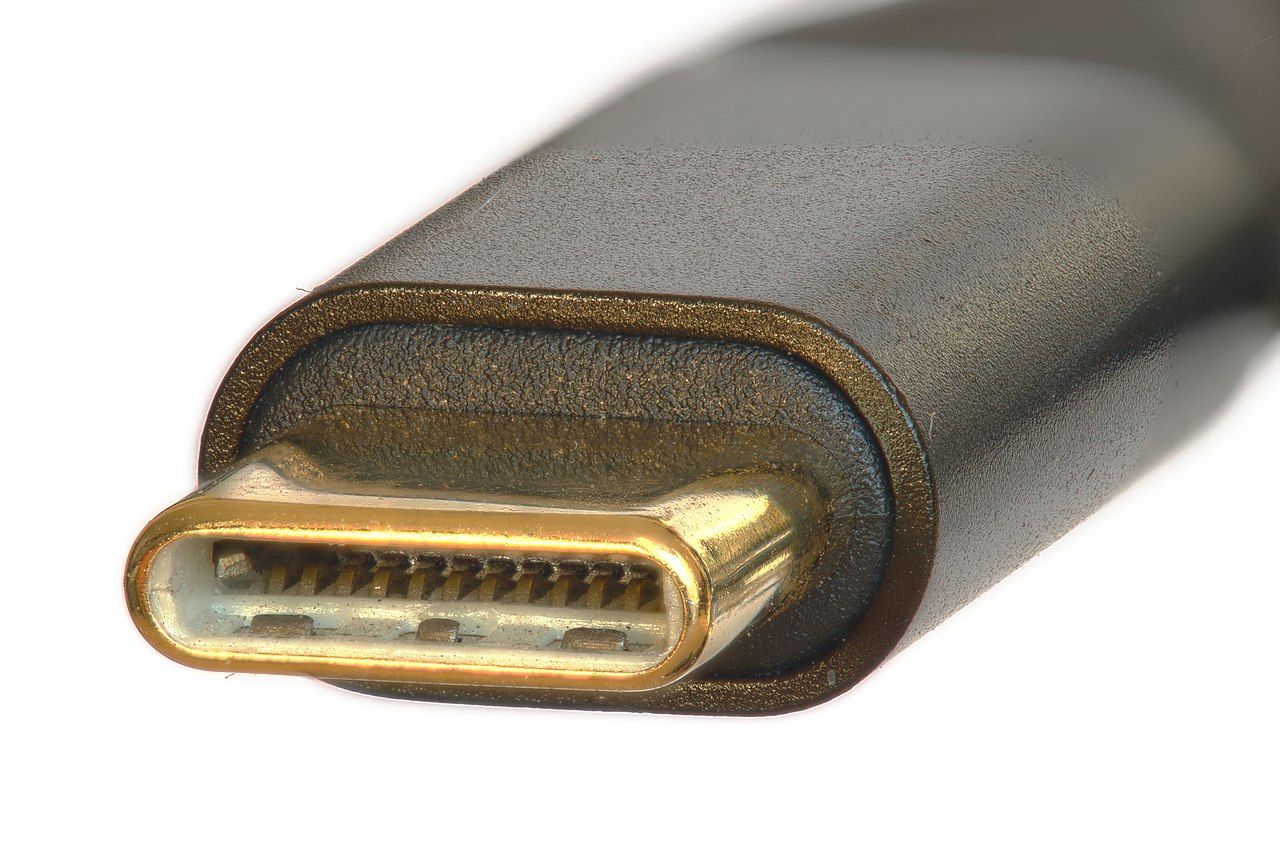
Universal serial bus (USB) plugs and ports, of various implementations, have been around long enough to confuse everyone, including me. Just talking about what the connectors and receptacles are called can be confusing.
I can hardly wait until all the ports with everything I buy are USB 3.0 or above with type C connectors. Unfortunately, I probably won't live that long, or I'll be too old to care.
USB Ports and Hubs
When it comes to all the computers I've owned since I bought my first desktop computer in 1994, I have to rely on memory. My earliest desktop computers didn't have any USB ports at all, and my earliest laptops only had one USB port each.
All of those ports appeared to be the same, with black inserts. Black inserts are typical for USB 2 ports. I have yet to see type C ports on desktop computers or laptops, except when used as power ports, but I haven't been looking.
My wife's phone and my phone both have USB-C ports, but many of my relatives are stuck with the older ports. I don't even know what type of connectors those are, other than that they're called micro USB.
Shopping
There are occasions when I simply have to use a phrase I learned in economics classes: Caveat emptor, Latin for "let the buyer beware". I can't say vendors are intentionally misrepresenting some of the products they sell, but it's easy to get something you don't need or want.
I ordered an inexpensive card reader and USB drive hub from Lazada a few years ago, which I thought supported USB 3. The picture even showed blue inserts. When I opened the package, I immediately noticed they weren't blue. I tested it to be sure, and it didn't support USB 3.
A lot of vendors, and not only at Lazada, use stock photos. The only way to see what the products actually look like is to read the customer reviews when the customers attach photos. I didn't do that before ordering, unfortunately.
Many products, even with American brand names on them, are made in China. Both my younger son, Jon, and I have received inferior products from Amazon.com in the United States. When investigating the country of origin, it's almost always China.
When you buy phones, tablets, and desktop and laptop computers, hang onto the user and service manuals. Don't discard cables with connectors you're not familiar with, even when you no longer possess the devices for them.
I have a bunch of devices I can't even find the right connectors for. Since I no longer have the manuals for them, I may not ever be able to use them again.
More USB Ports and Hubs
I'm currently using my mini PC. It has two USB 3 USB-A ports on the front and two on the back, and they're not sufficient. I'm using a 4-port USB 3 hub with USB-A ports. It's plugged in one of those ports on the back. My PC speakers are plugged into the other one.
My USB headset is plugged into one of those ports on the front, and my wireless keyboard dongle is plugged into the other one. A wireless mouse dongle and two external drives are plugged into the hub. I usually save the last port on the hub for my flash drives when I need to use them.
My laptop, currently in storage, has two USB 3 USB-A ports on the left side and one USB 2 USB-A port on the right side. Strangely, they all have black inserts. I use the right side port for a wireless mouse dongle. If I need to plug anything else in, I'll use the two on the left.
I have another 4-port USB 3 USB-A hub available for it should I need it. Instead of using a USB headset with it, I'm more inclined to use my Bluetooth headsets. I have at least three pairs in one of my desk drawers.
Image by Tomato86, CC BY-SA 4.0, via Wikimedia Commons