The Cinnamon Desktop Environment
Aug 15, 2026
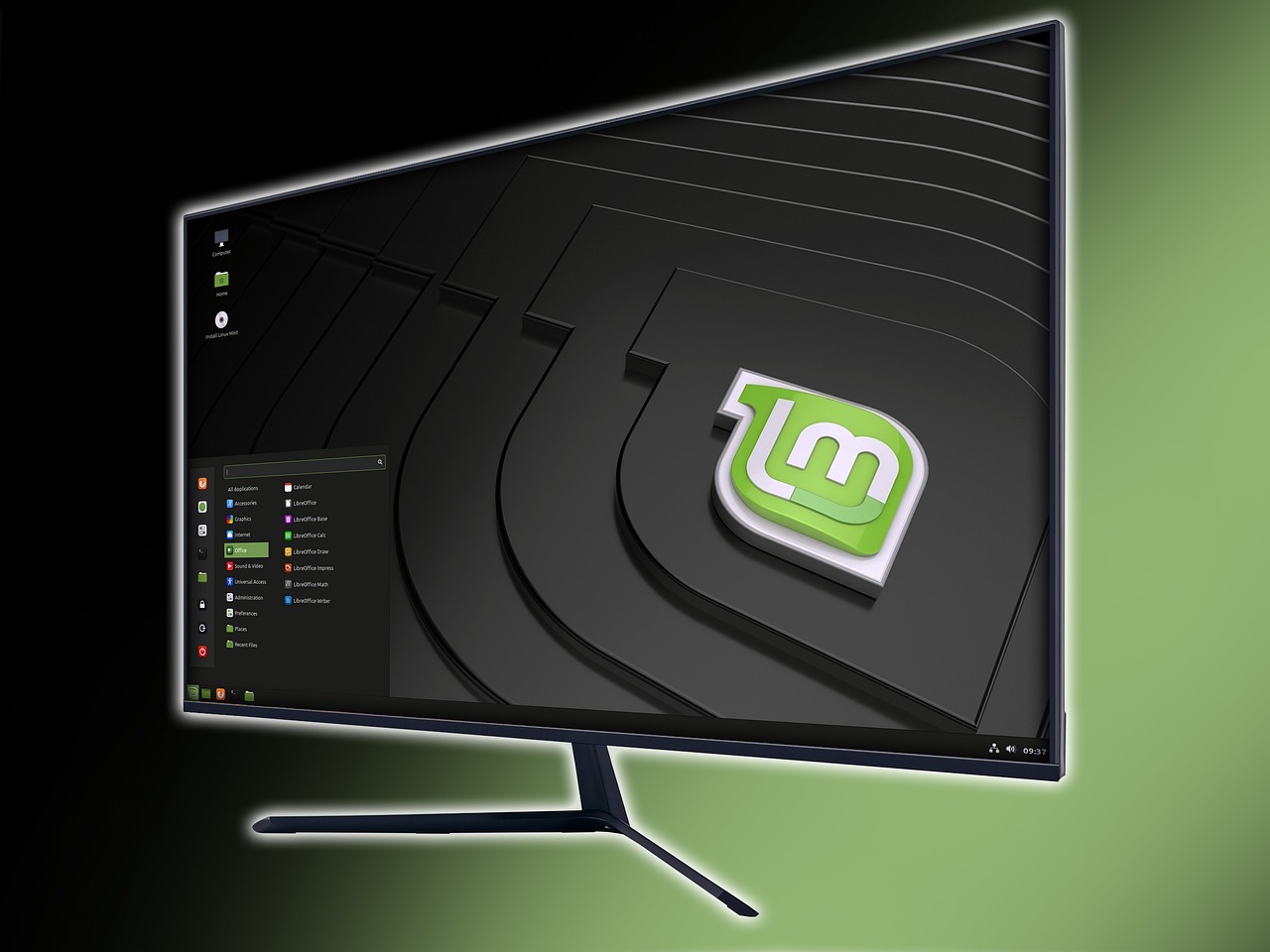
The Cinnamon desktop environment works well on many Linux distributions, and it's not limited to distributions based on Debian or Ubuntu. I've been using it on the Cinnamon edition of Linux Mint for years, and it just keeps getting better with every update.
What makes this desktop environment special is the amount of Cinnamon spices available. These spices include actions, applets, desklets, and extensions, which target different parts of the environment. Applets are called widgets in some desktop environments.
The large selection of Cinnamon spices makes it easy for me to customize my desktop. I frequently examine the spice settings applications to see what new spices have been added.
Actions
The actions spices are the newest category of spices. They affect the Nemo file manager as well as the icons and context menu on the desktop display. Although there are many new actions, other than the stock actions, I'm not using any of them.
None of the new actions cover any of my use cases right now. I'm comfortable knowing I can use one or more of them if I should ever need them.
Applets
I can have up to four panels, one for each side of the screen, and applets can be placed on any or all of them. Stock applets reside on the left and right sides of the panel at the bottom. Any or all of the panels can be hidden.
I moved the bottom panel to the top, added a new panel to the bottom and moved the "Grouped window list" applet to center of the bottom panel. I replaced the stock menu applet with the "Cinnamenu" applet and put it on the bottom left.
I'm using an inexpensive keyboard with my mini PC. It doesn't display any indicators on it when I have the "Num Lock" or "Caps Lock" turned on. To compensate, I have the "Lock keys indicator with notifications" applet on my top panel.
As I wrote about once before, I keep two instances of the "CommandRunner" applet on my top panel so I can see how much memory and swap space is being used. There are desklets that can perform the same functions, but I rarely look at my desktop.
I don't want to edit my panel settings any more than necessary. The "Pin-Unpin the Panel" applet means I don't have to edit my panel settings when I want a panel hidden instead of displayed. I have one of those applets on each panel.
Although I rarely use workspaces, I use the "Workspace Name" name applet to switch between them when I do. I like to keep my workspaces in alphabetical order, and an extension allows me to keep them that way.
Desklets
Since I rarely look at my desktop, I don't like using multiple desklets. The one desklet I'm using now is the "Quick Links - Launcher" desklet. I use two custom shortcuts instead of shell aliases and shortcuts to the virtual machines I'm testing.
I examine new desklets from time to time, but I rarely discover anything I want to use.
Extensions
Unlike most applets and desklets, the settings for each extension have to be edited within the "Extensions" application. Many of the extensions are otherwise invisible to the display.
When I use workspaces, renaming them as I go, they aren't always in alphabetical order. I use the "Rearrange Workspaces" extension to put them in order. Ctrl-Shift-Left or Ctrl-Shift-Right on the current workspace will move it to the left or right.
I wrote about window tiling extensions before an independent developer created another one. While "Tiler" is not yet available as an extension spice, it can be installed manually, which is what I did. It works better than the others.
Non-Spice Applets
Some applets aren't available as Cinnamon spices. For whatever reason, they have to be installed from places like GitHub. Sometimes they're only available in the Linux Mint repository. A power applet replacement called "Mint-Powerdeck" is only available from GitHub for now.
I found modified versions of the "Windows Quick List" applet on GitHub, but I won't be linking to them. They haven't been touched in years. I like supporting good repositories by starring them and sometimes forking them, but I'll only do that when they're active.