Window Tiling Extensions for Linux Mint Cinnamon
Jul 19, 2026
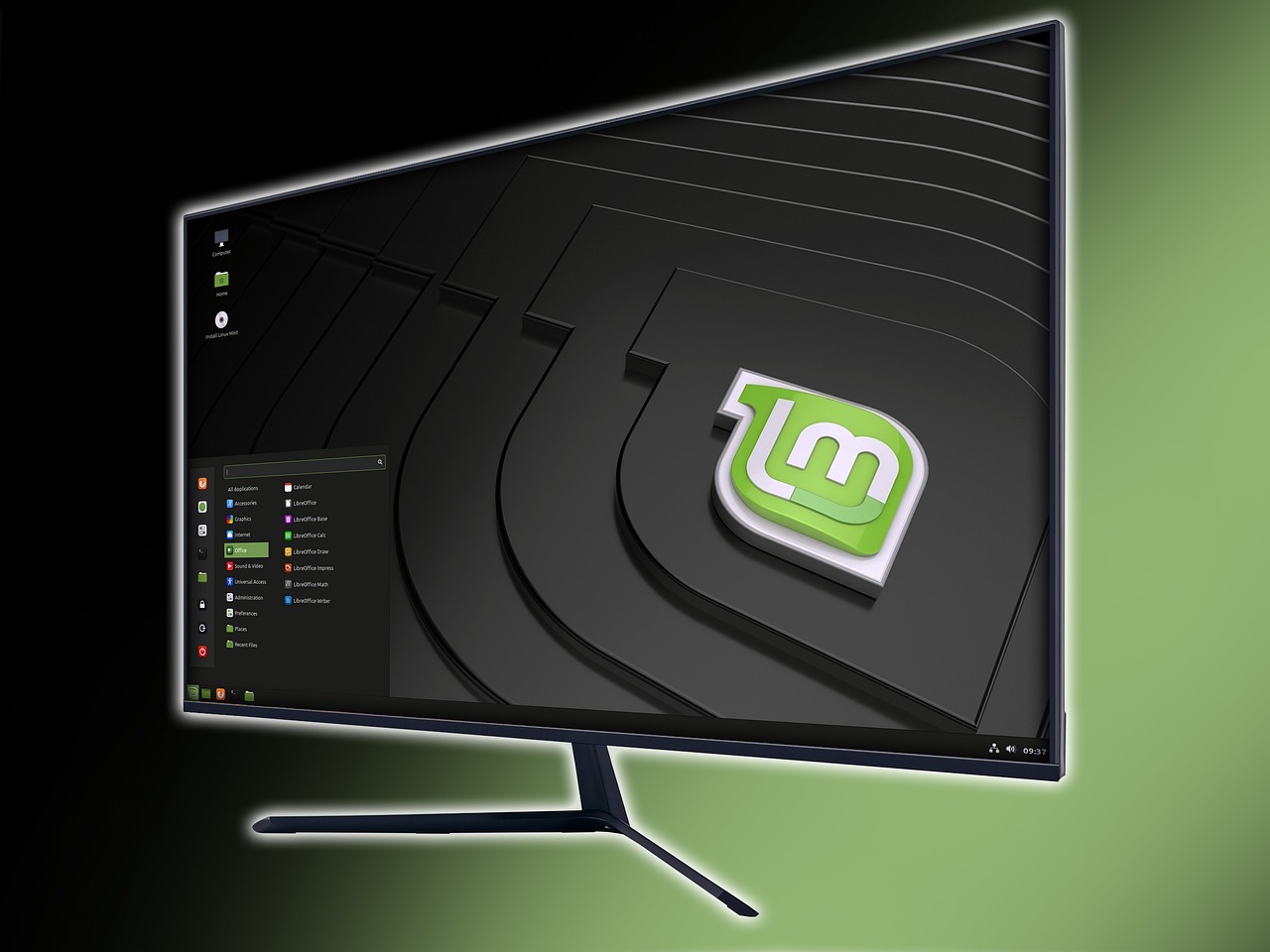
The Cinnamon desktop environment of Linux Mint doesn't require a window tiling extension if you only want two windows side-by-side or one to four windows in the corners. A window tiling extension becomes necessary when you want to do something else.
The gTile Extension
There's a Cinnamon Spices extension available called "gTile" that allows other grid combinations, but it doesn't allow for a flexible layout. I've tried various combinations, but horizontal and vertical grid spaces are constrained to equal sizes.
The best I could do was to make the windows use multiple grid spaces. The layouts available may work for some people. They might even work for me if I ever decide to use window tiles.
The Fancy Tiles Extension
The "Fancy Tiles" extension isn't available as a Cinnamon Spice, and I can't tell you why. I found it on GitHub accidentally. I've found other items for Cinnamon on GitHub in the past that weren't Cinnamon Spices, and I still can't tell you why.
Flexible layouts are available. In fact, it took me some time to figure out how not to have flexible layouts. I experimented with three top to bottom windows side-by-side, which worked extremely well. I can see why tiling window managers are popular.
Advantages Over Built-In Tiling
One advantage is that restored windows work better than the default method, regardless of which extension is used. When using the default method with a dual window setup, I sometimes have to hit a key combination to put a window back into place after maximizing it.
With either extension, the window always returns to where it came from when hitting the "restore" button. That's one less key press to contend with, and that might not seem like much. It's a lot if you do it dozens of times a day.
Another advantage is the number of grid spaces. With the default method, you're limited to four. With the Fancy Tiles extension, you theoretically have no limit. You can have as many as you're comfortable with.
Desktop Workspaces
If you like using workspaces (or virtual desktops), tiling will make them even more effective in your workflow. More than 20 years ago, when I worked with a dumb terminal to a mainframe next to a Microsoft Windows computer, I could have benefited immensely from this kind of workflow.
Today? Not really. Unless, of course, I find someone willing to hire an old man like me to do computer-oriented work.