Virtual Machines on Linux
Mar 6, 2026
I don't remember the first time I created a virtual machine or its purpose. I'm sure I was just learning how to use the software properly. The first time I used VirtualBox, it didn't belong to Oracle.
I use virtual machines for testing, not for daily use. It's easier than using portable drives for the same thing. I only use a portable drive when some software won't run on a virtual machine.
Virtual Machine Software
There are multiple virtual machine software packages available for Linux. Some are in the repositories, and some aren't. Sometimes the repository versions are outdated. Here is where you can find them at the source (there may be more):
I briefly used Boxes when it was first introduced, and I haven't had an urge to try it again. Proxmox is designed for servers, so I haven't felt a need to examine it. I once used Quickemu with a bootleg macOS image, just to see how macOS worked since I've never owned anything Apple.
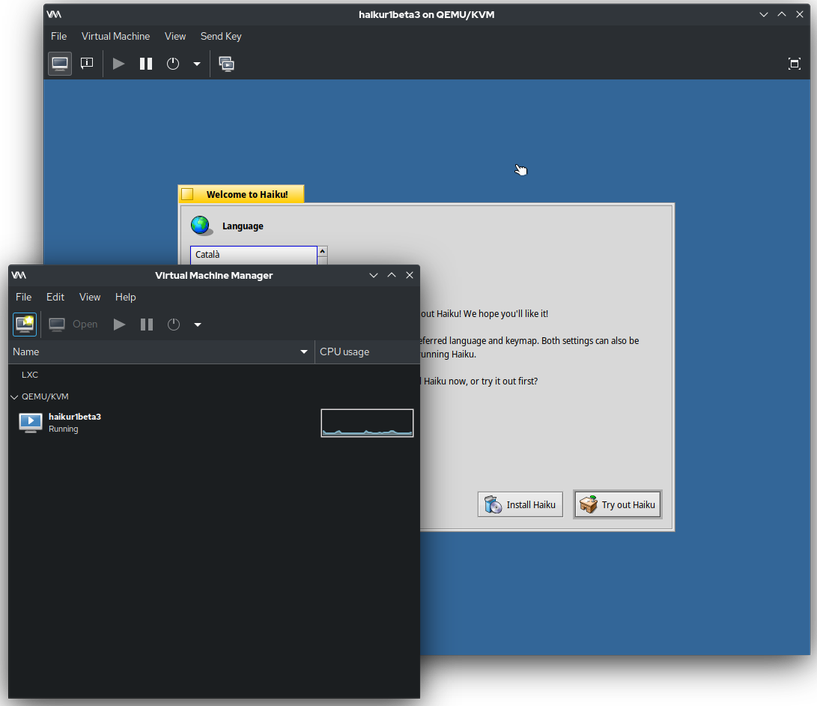
I've used Virtual Machine Manager a few times but I prefer VirtualBox. Because I've always had other options, I've never had any desire to work with VMware.
Virtual Machine Software Wrappers
The Kernel-based Virtual Machine (KVM) is located here: /lib/modules/$(uname -r)/kernel/arch/x86/kvm
That's the kernel component. The userspace component is QEMU, which has to be installed by some virtual machine software packages. I know Quickemu and Virtual Machine Manager install it, but I don't know about the rest.
Many online pundits say that Virtual Machine Manager is better than VirtualBox because it uses KVM. Well, so does VirtualBox. That's probably why I never noticed a performance difference.
I don't know why these commands have to be added manually, but they do. With VirtualBox, this has to entered so that certain things work correctly, such as USB 3:
sudo usermod -aG vboxusers $USER
With Virtual Machine Manager:
sudo usermod -aG libvirt $USER
If you want to share files or the clipboard with VirtualBox, each guest machine needs this:
sudo usermod -aG vboxsf $USER
If you want guests accessible from other machines:
sudo apt install bridge-utils
Image of Haiku, Inc. (GPL or MIT), via Wikimedia Commons
Updated on August 3, 2026.